In this article, you’ll learn how to hide the contact form on your digital business card.
Hide the contact form
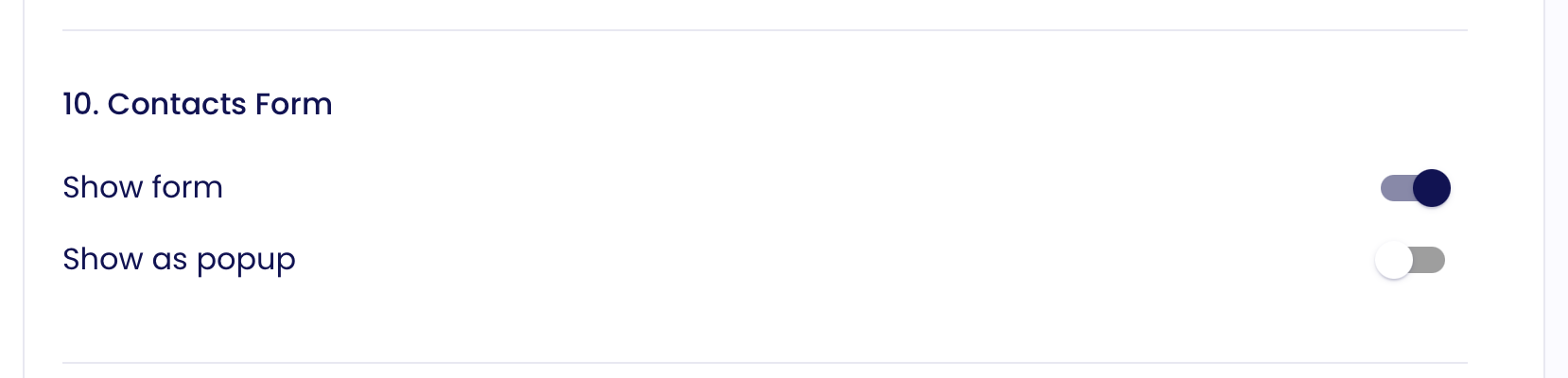
To hide the external contact form on your digital business card profile, go to your Profile Design Settings and disable the option under Section 10: Contact Form.
Was this article helpful?
That’s Great!
Thank you for your feedback
Sorry! We couldn't be helpful
Thank you for your feedback
Feedback sent
We appreciate your effort and will try to fix the article