.svg)
To unlink a card from a user via the user profile list, please follow these steps:
- Navigate to the user profile overview.
- Select the desired user.
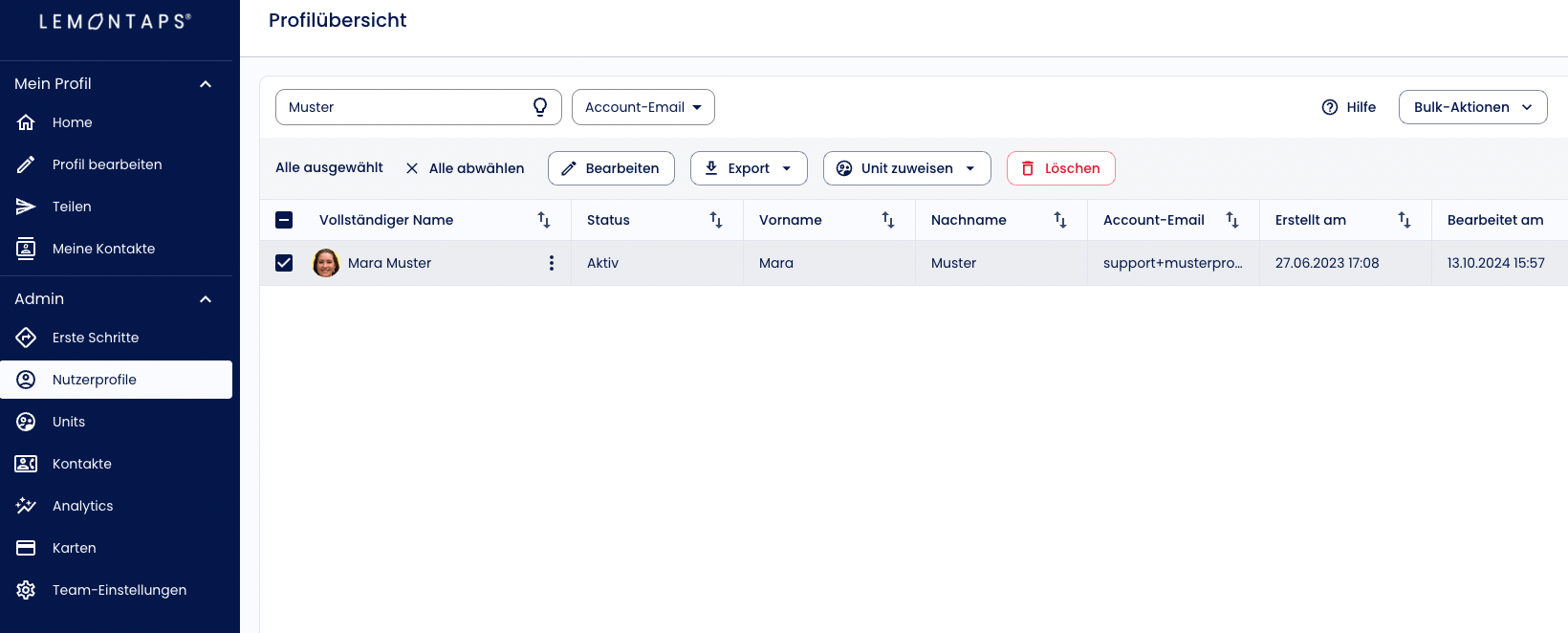
- Click on the pencil icon to enter edit mode (“Edit”).
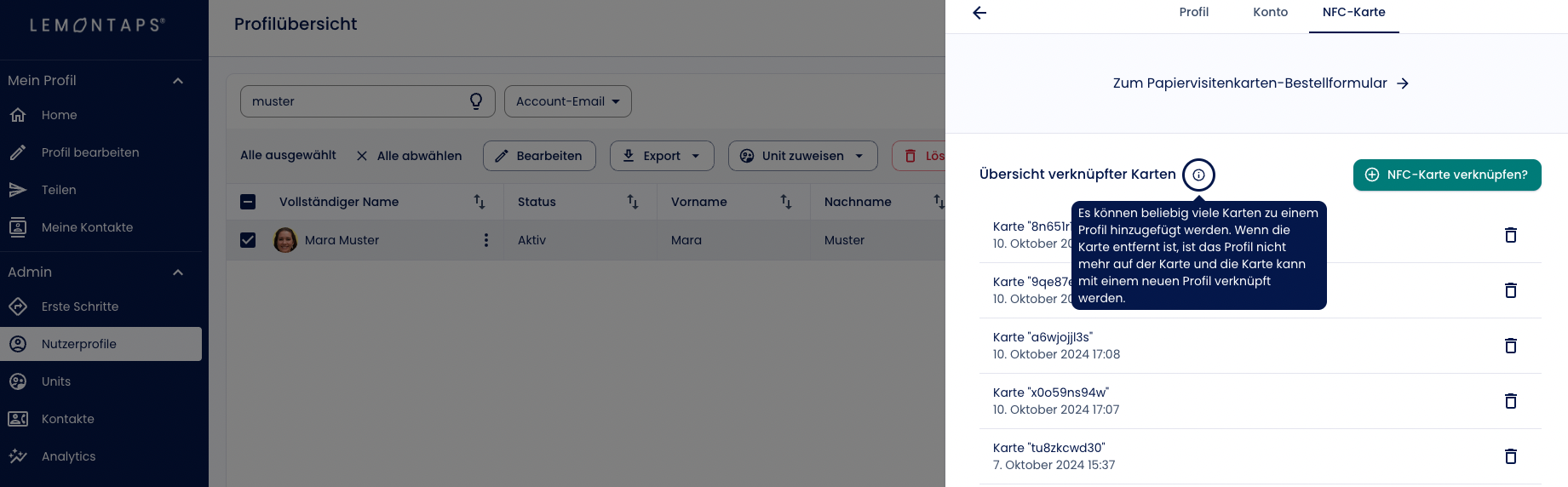
In the top menu bar, you will see several options – select the “NFC Card” tab. -
You will now see an overview of the cards linked to this user.
-
Select the card you would like to unlink and click on the trash icon to remove the connection.